
Settings
Where the settings are
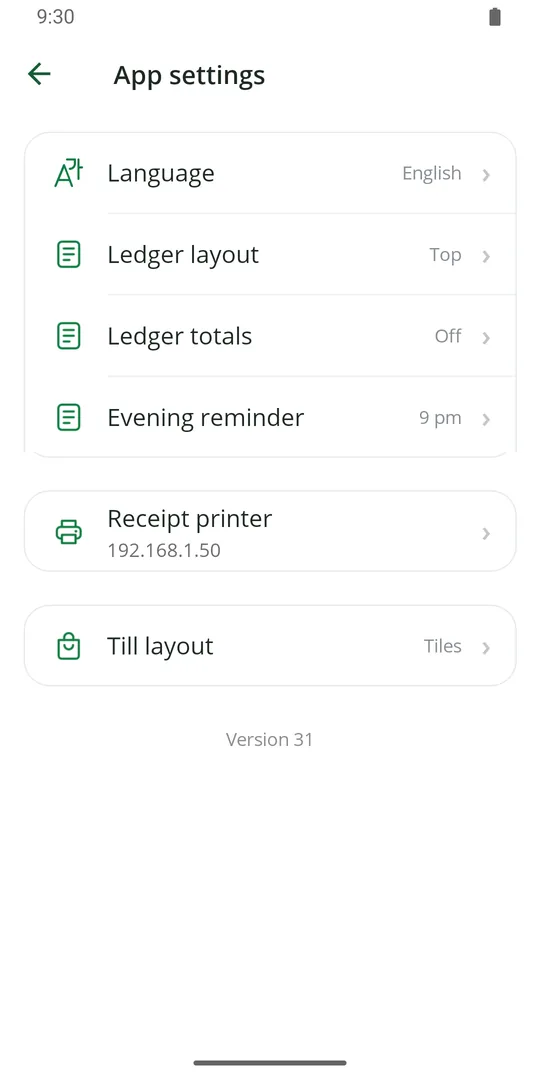
1☰ › App settings is for this phone: language, Ledger layout and totals, the evening reminder, the receipt printer and the till layout
☰ › Business is for the whole shop: name, currency, tax, Ledger counting, dues, income and expense types, custom forms, QR orders and staff.
Change the language
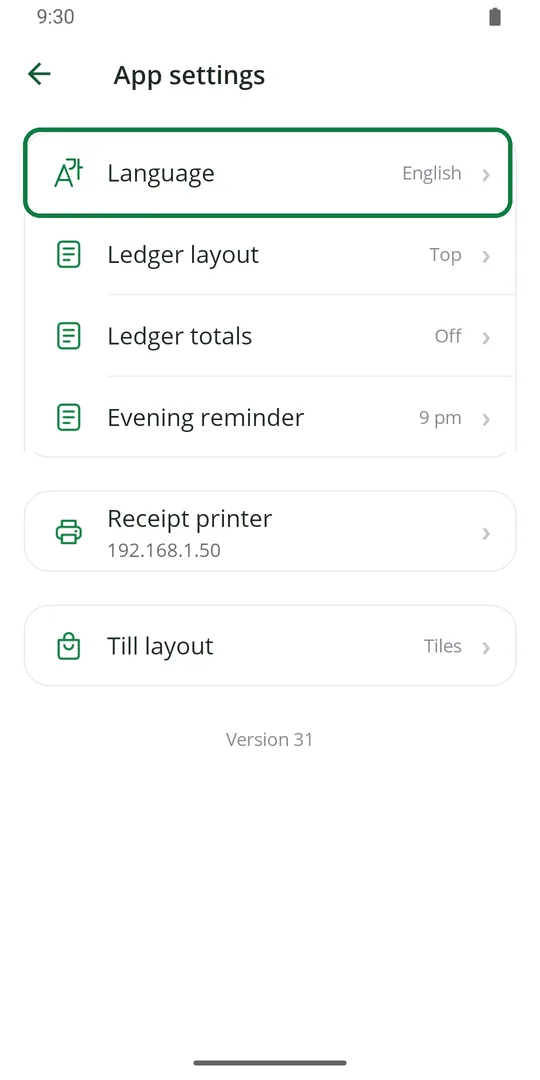
1In App settings, tap Language 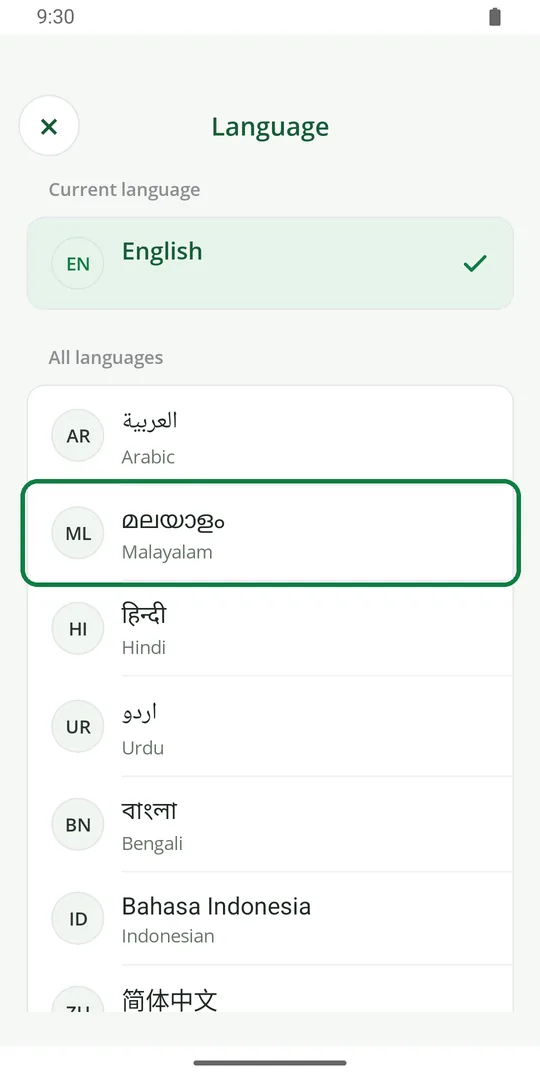
2Tap your language, like മലയാളം, हिन्दी or العربية
Get a reminder every evening
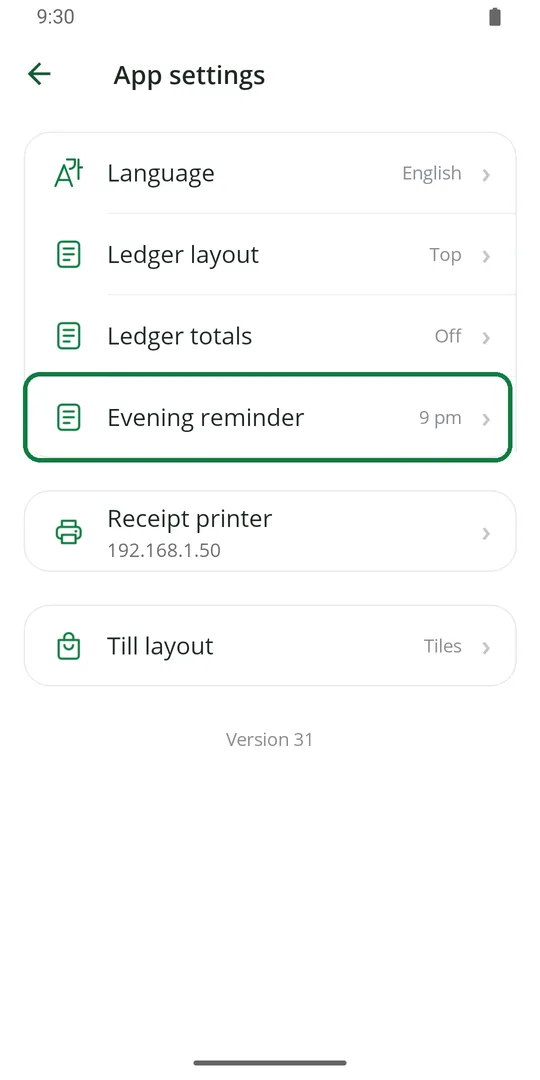
1In App settings, tap Evening reminder. It shows 9 pm when it is on 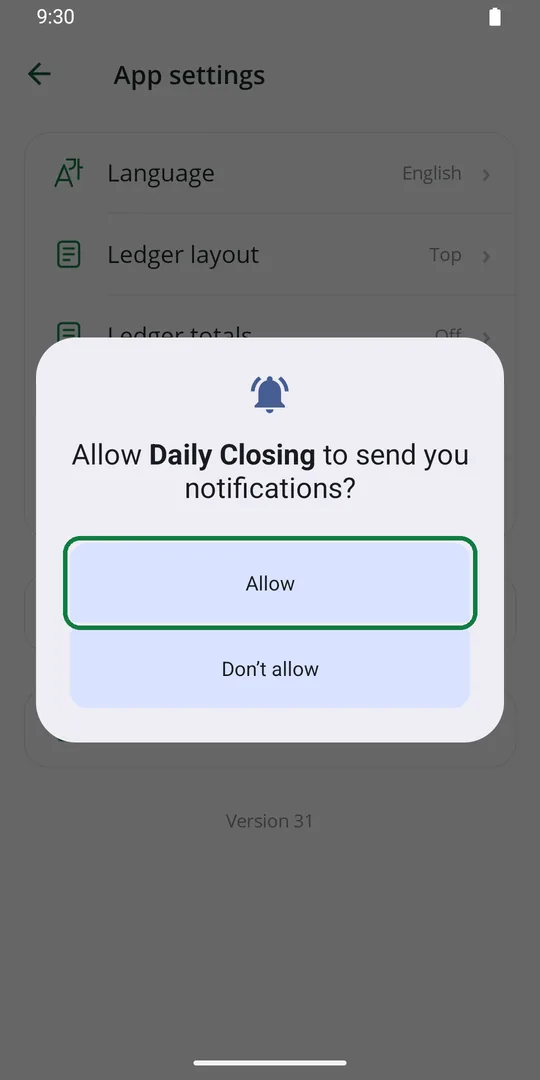
2The first time, tap Allow so the app can send it
Tap the row again to switch it off.
Sell by tapping or by scanning
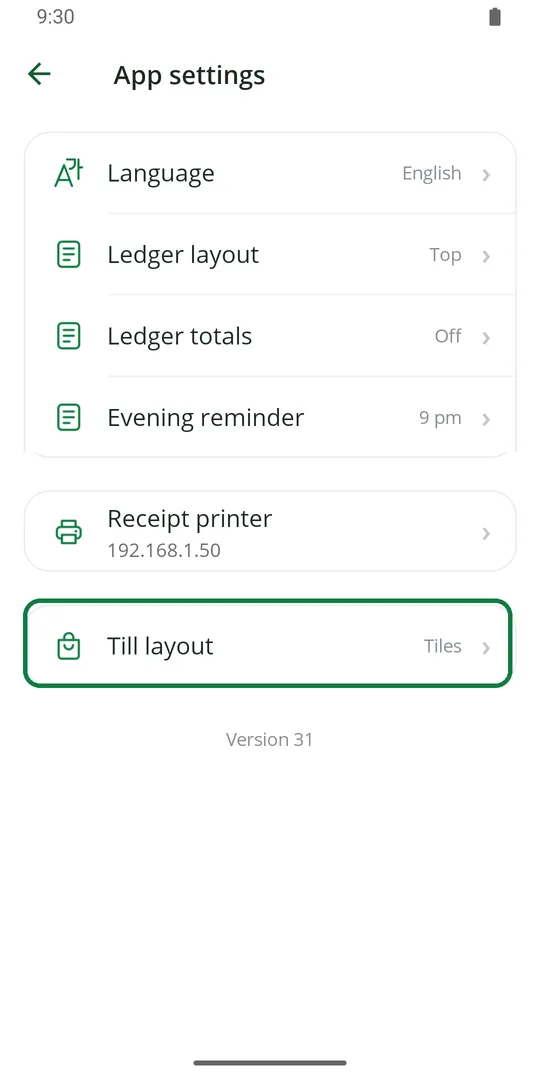
1In App settings, tap Till layout 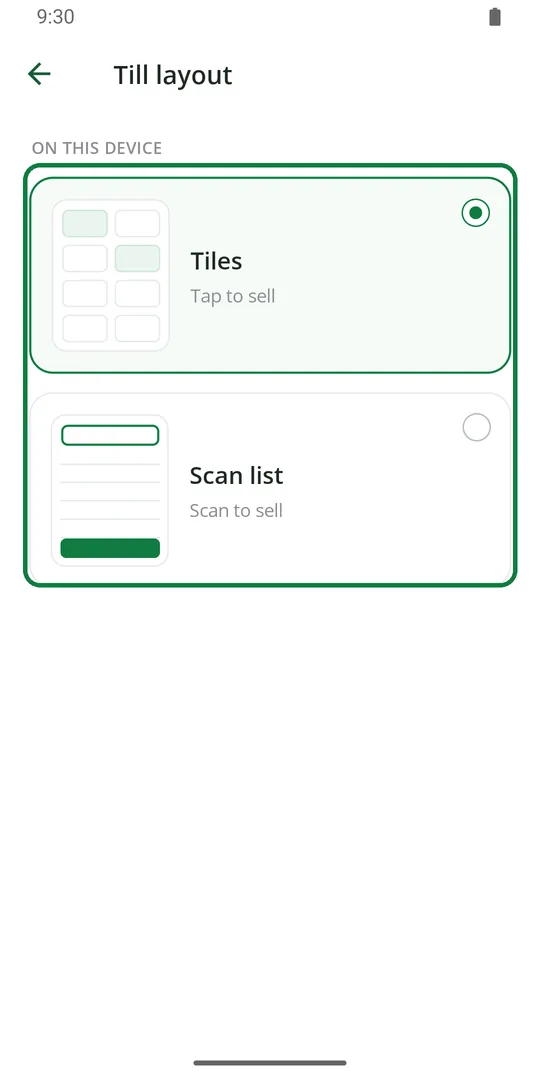
2Tiles to tap items, or Scan list if you scan barcodes for most sales
This changes only this phone. Another phone or computer keeps its own.
Charge tax on bills
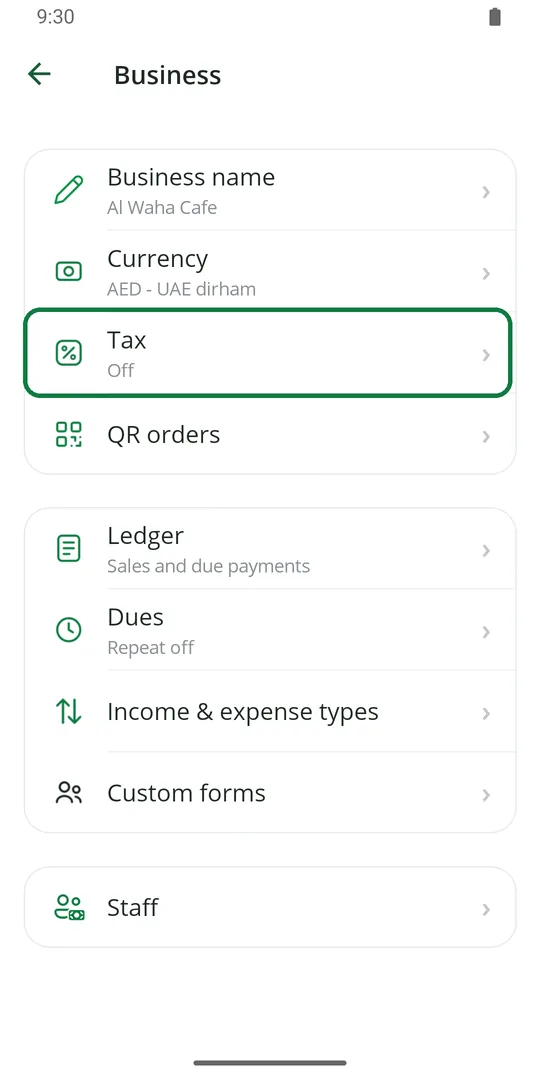
1Tap ☰, Business, then Tax 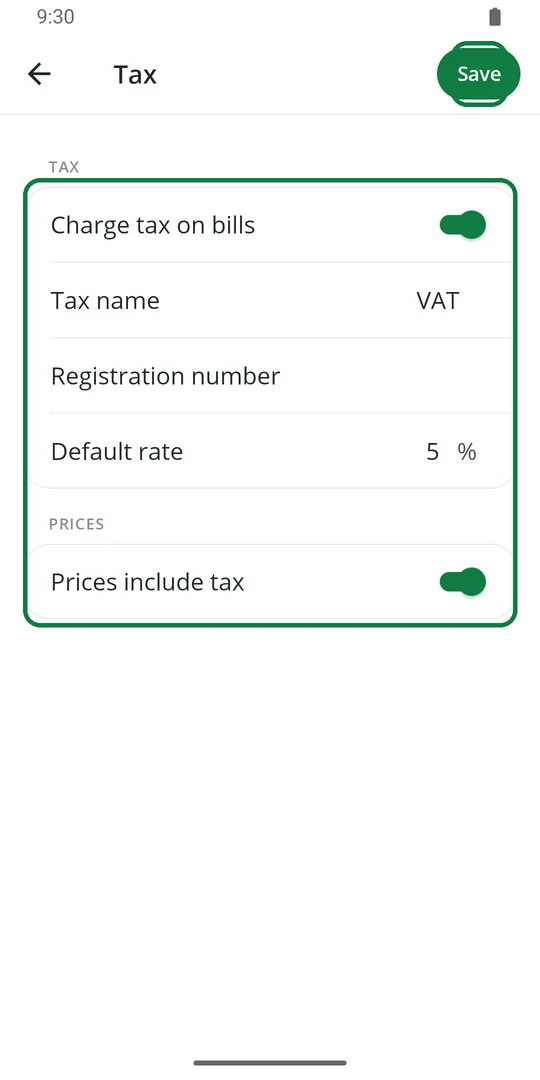
2Switch on Charge tax on bills. Type the tax name, your registration number and the rate. Choose if your prices already include tax. Tap Save
Then see Reports › See the tax to pay.
Repeat a due every month
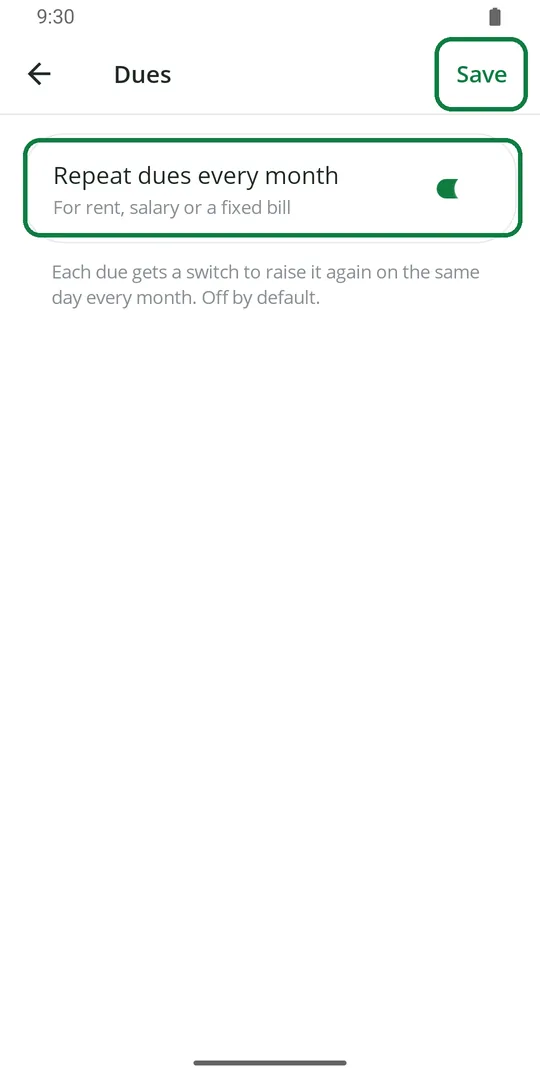
1Tap ☰, Business, Dues. Switch on Repeat dues every month and tap Save 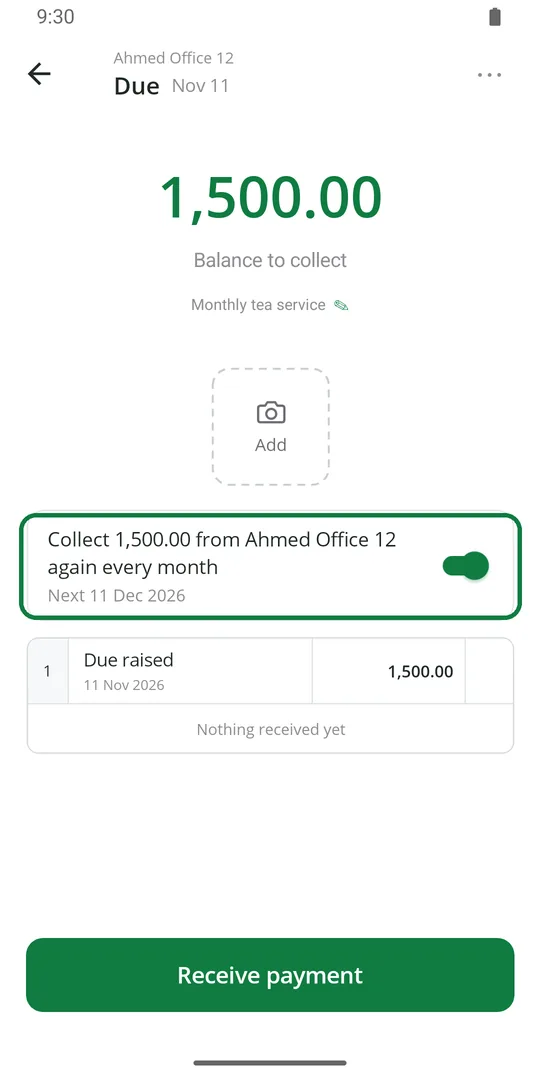
2Now open any due and switch on again every month. It comes back on the same day next month
Good for rent, fees or a fixed monthly bill.
Sign in with a password
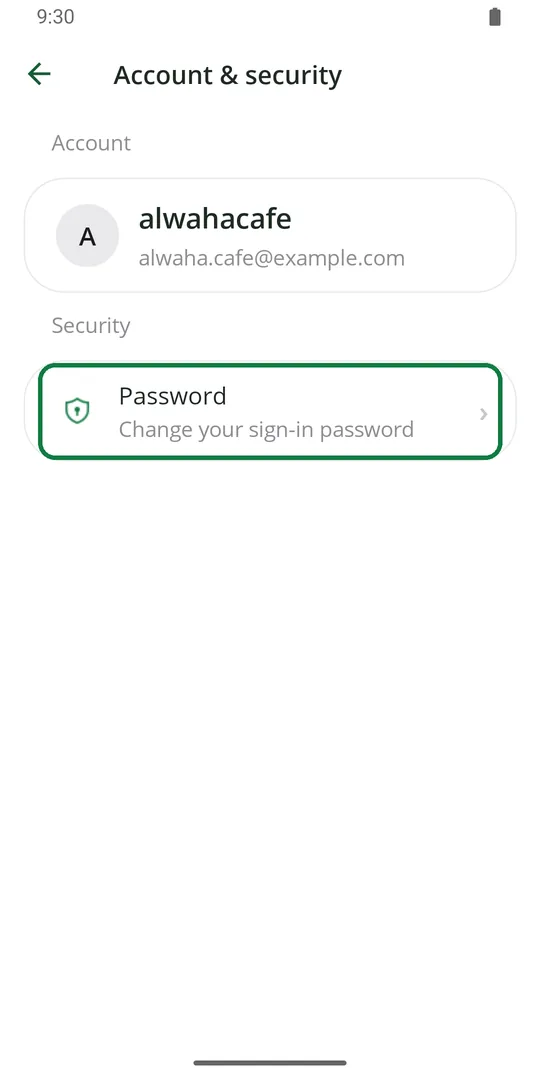
1Tap ☰, Account, then Password 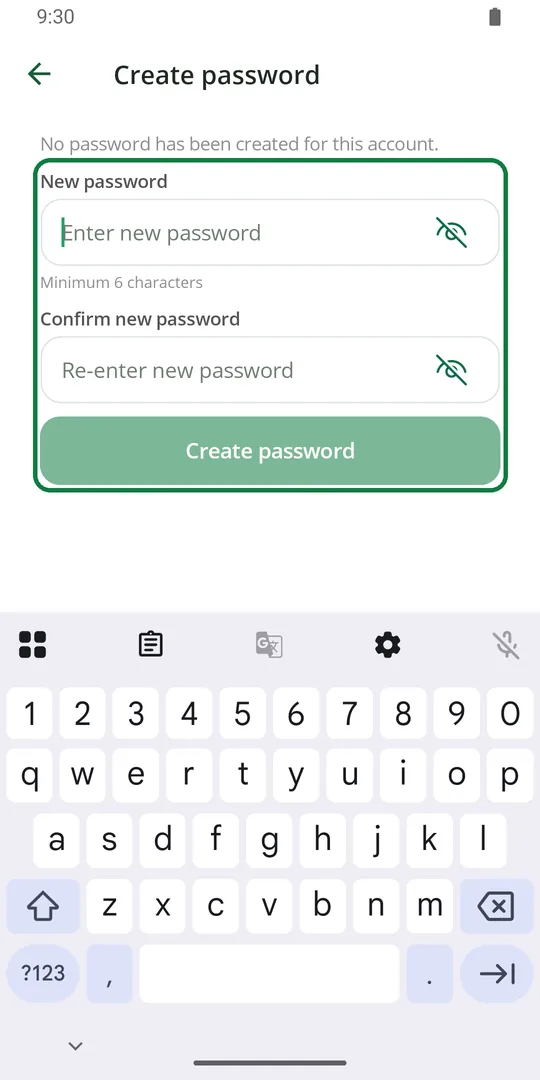
2Type a new password twice and tap Create password
Use Daily Closing on a computer
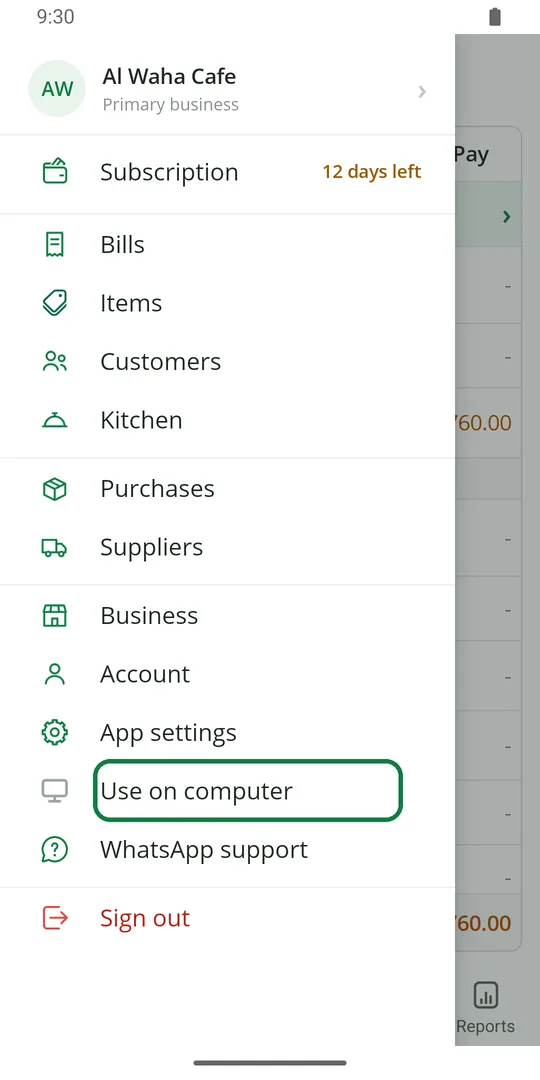
1Tap ☰, then Use on computer 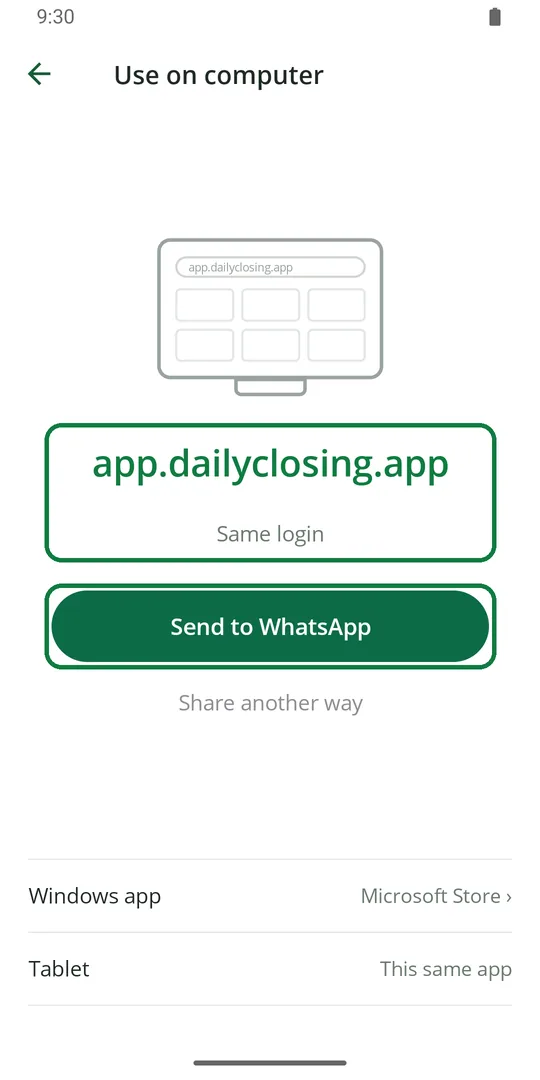
2Open app.dailyclosing.app on the computer and sign in with the same login. Send to WhatsApp sends you the link 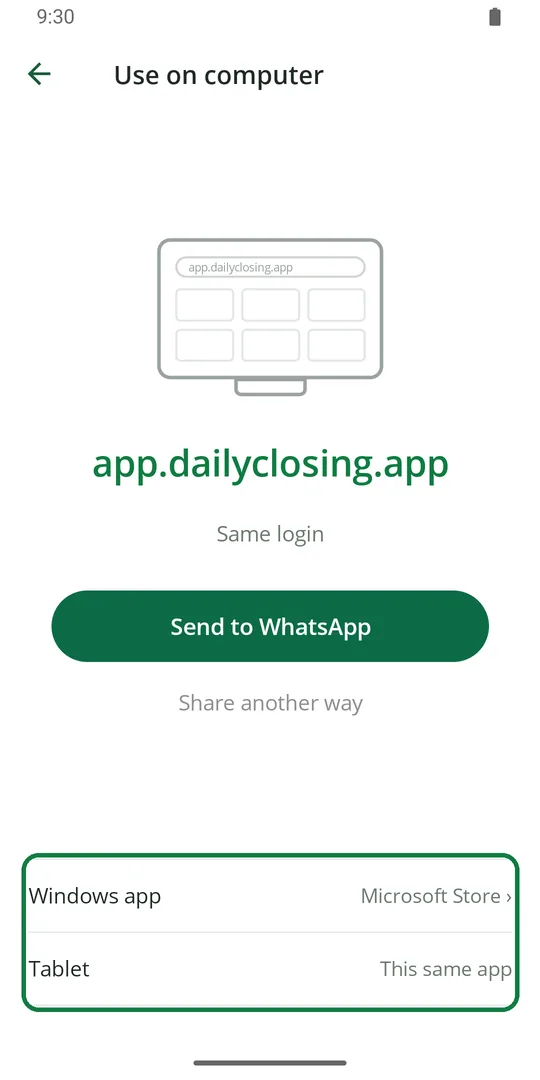
3On Windows, you can get the app from the Microsoft Store. On a tablet, use this same app