
Ask assistant
Ask about your business
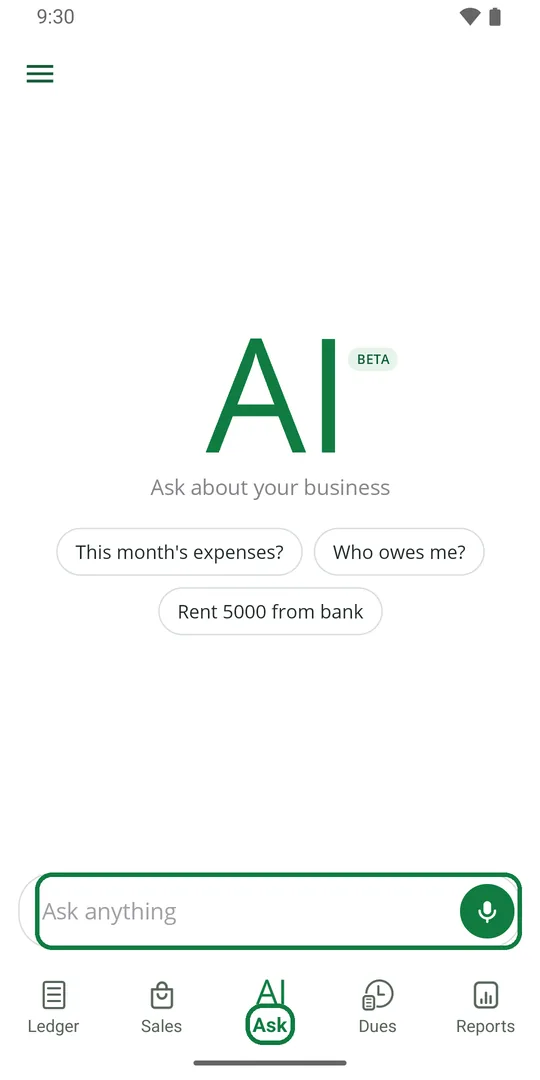
1Tap Ask at the bottom. Tap a question, or type your own in Ask anything 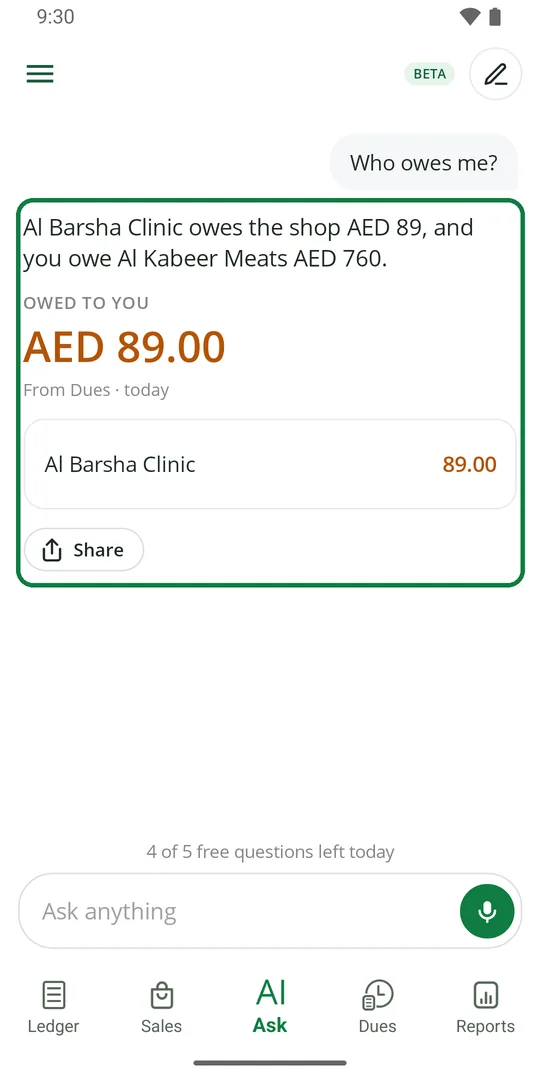
2The answer comes with the figures from your Ledger, Dues or Sales. Tap Share to send it
Ask in your own words, like "Who owes me?" or "Sales today?".
See your expenses as a chart
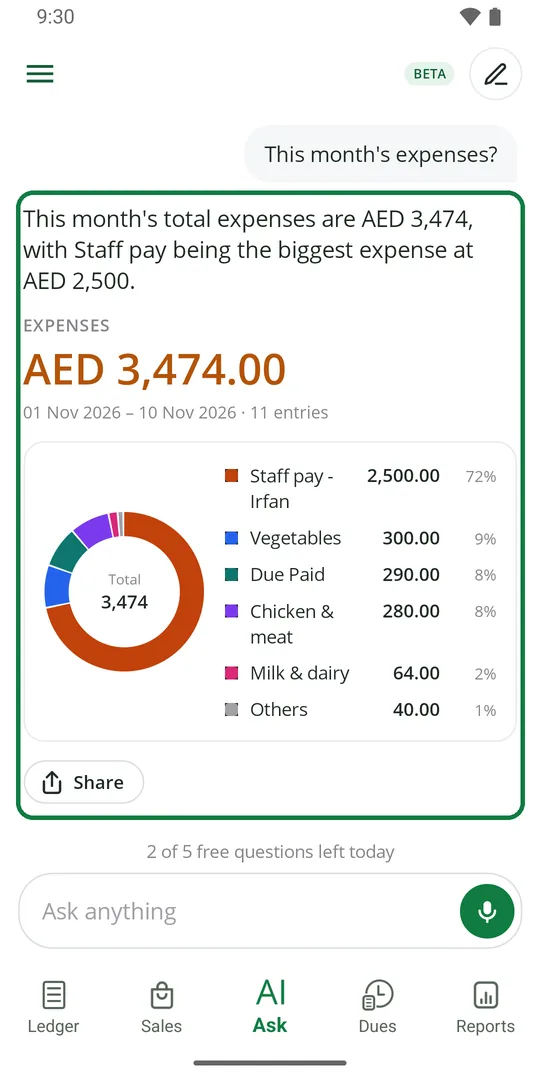
1Ask "This month's expenses?". You get the total and a chart of each type
Write an entry by typing a sentence
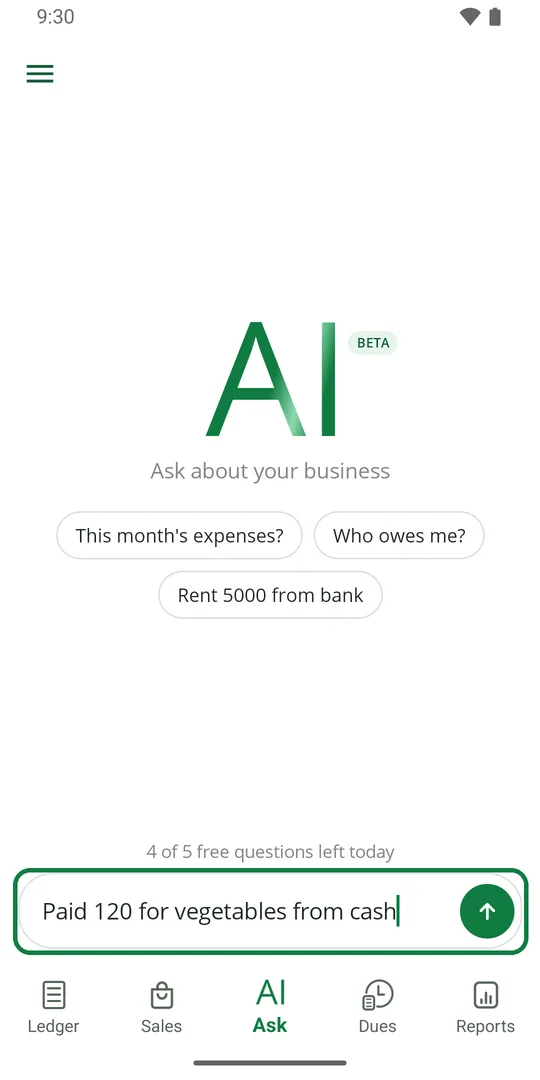
1Type what happened, like "Paid 120 for vegetables from cash", and tap the green button 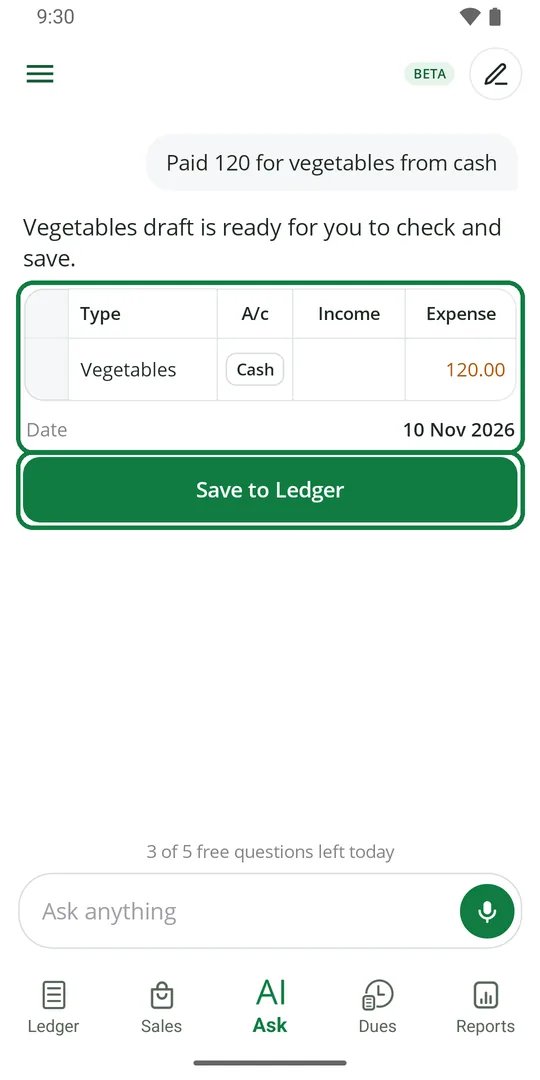
2The entry is filled in for you. Check the type, Cash or Bank, and the amount. Tap Save to Ledger 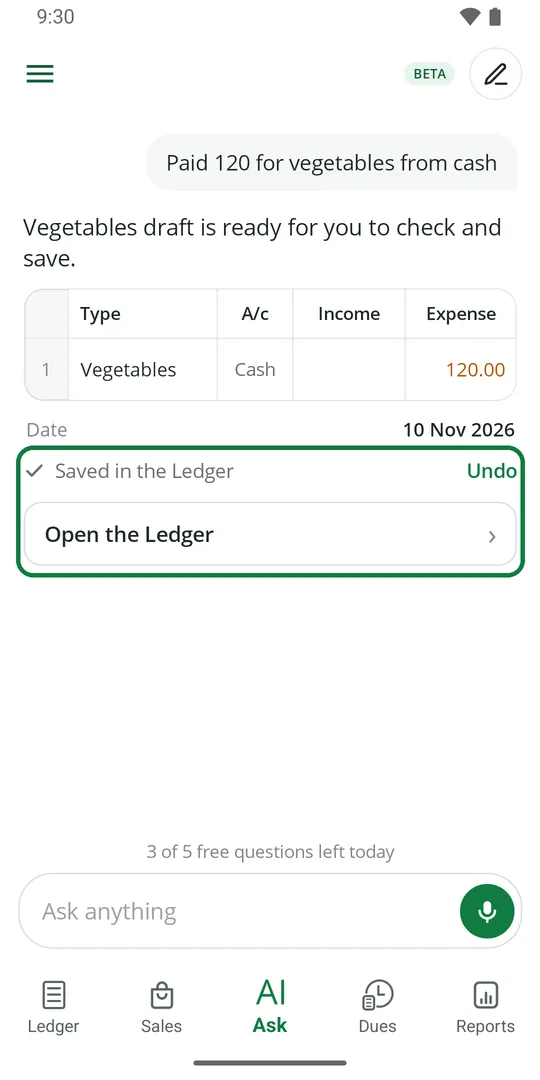
3It is in the Ledger. Wrong? Tap Undo
Nothing is saved until you tap Save. Bills and dues can be written the same way.
Ask how to do something
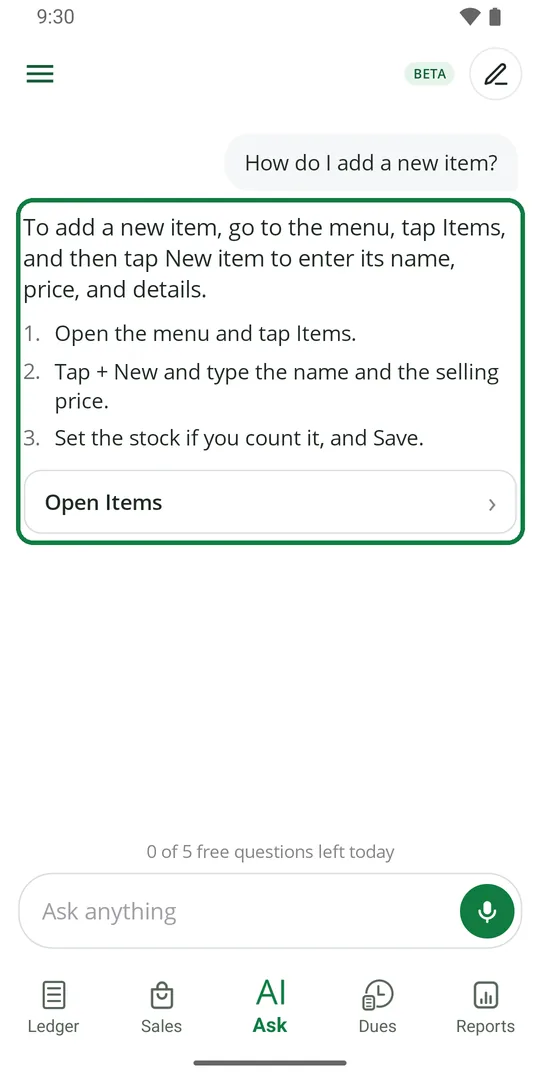
1Ask, for example, "How do I add a new item?". You get the steps and a button to go there
Ask by speaking
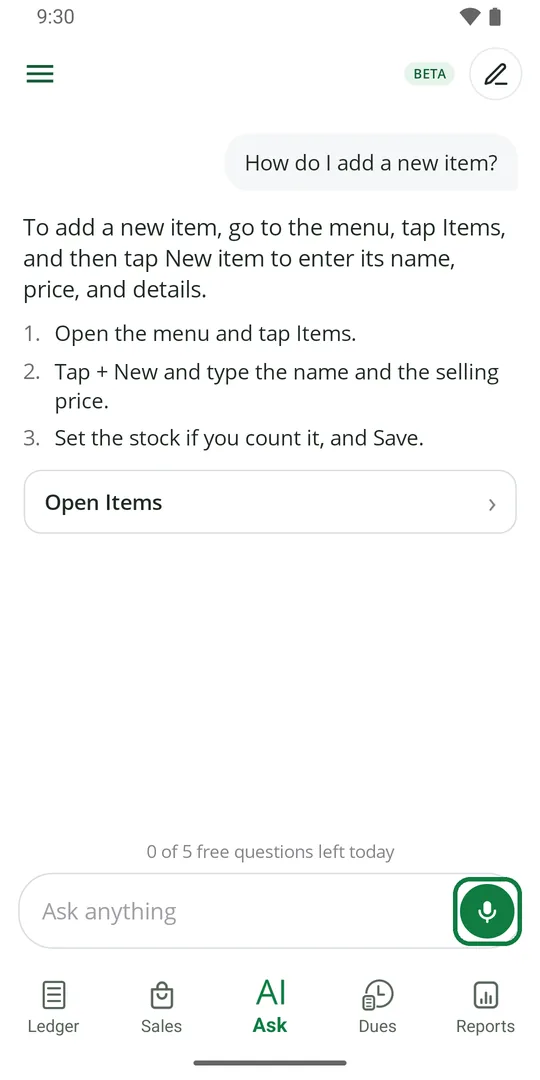
1Tap the green microphone and speak. A timer runs while you talk. Tap the send button on the right when you finish, or cancel on the left
Start a new question
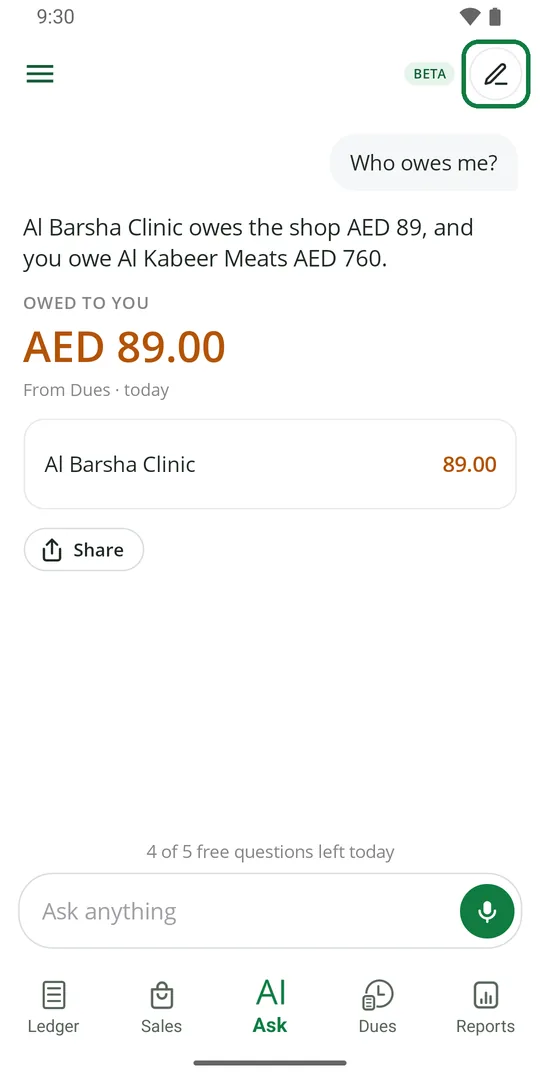
1Tap the pencil at the top right to clear the screen and start again
How many questions you can ask
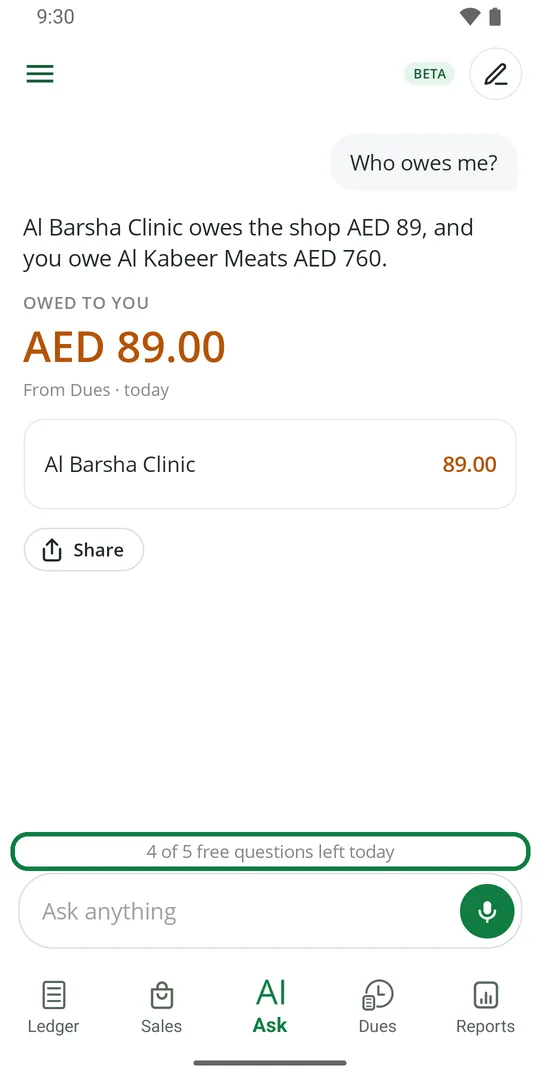
1Above the box you see how many free questions are left today 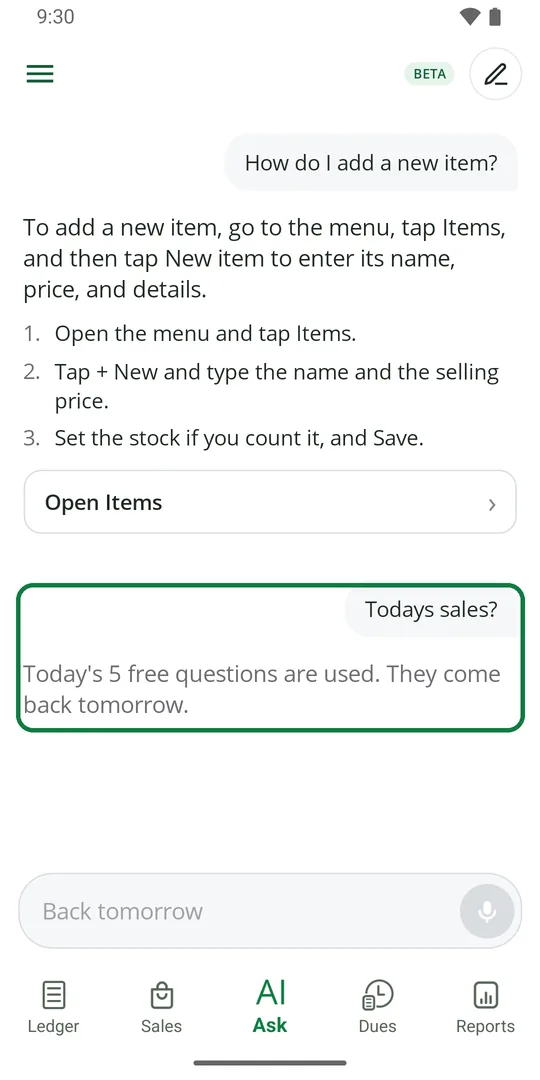
2When they are used up, they come back the next day